
WordPress plugin · Free · Now on WordPress.org
NIT Sales Analytics turns your WooCommerce orders into the numbers you actually run the shop on — what you kept after cost of goods, gateway fees, shipping and refunds. Plus a storefront assistant that answers customer questions from your own catalogue.
Want to hear about new features and the Pro version? Leave your email. No spam.
Scroll
01 — What it does
Everything is computed on your own server, from your own database. No account, no API key, no external service.
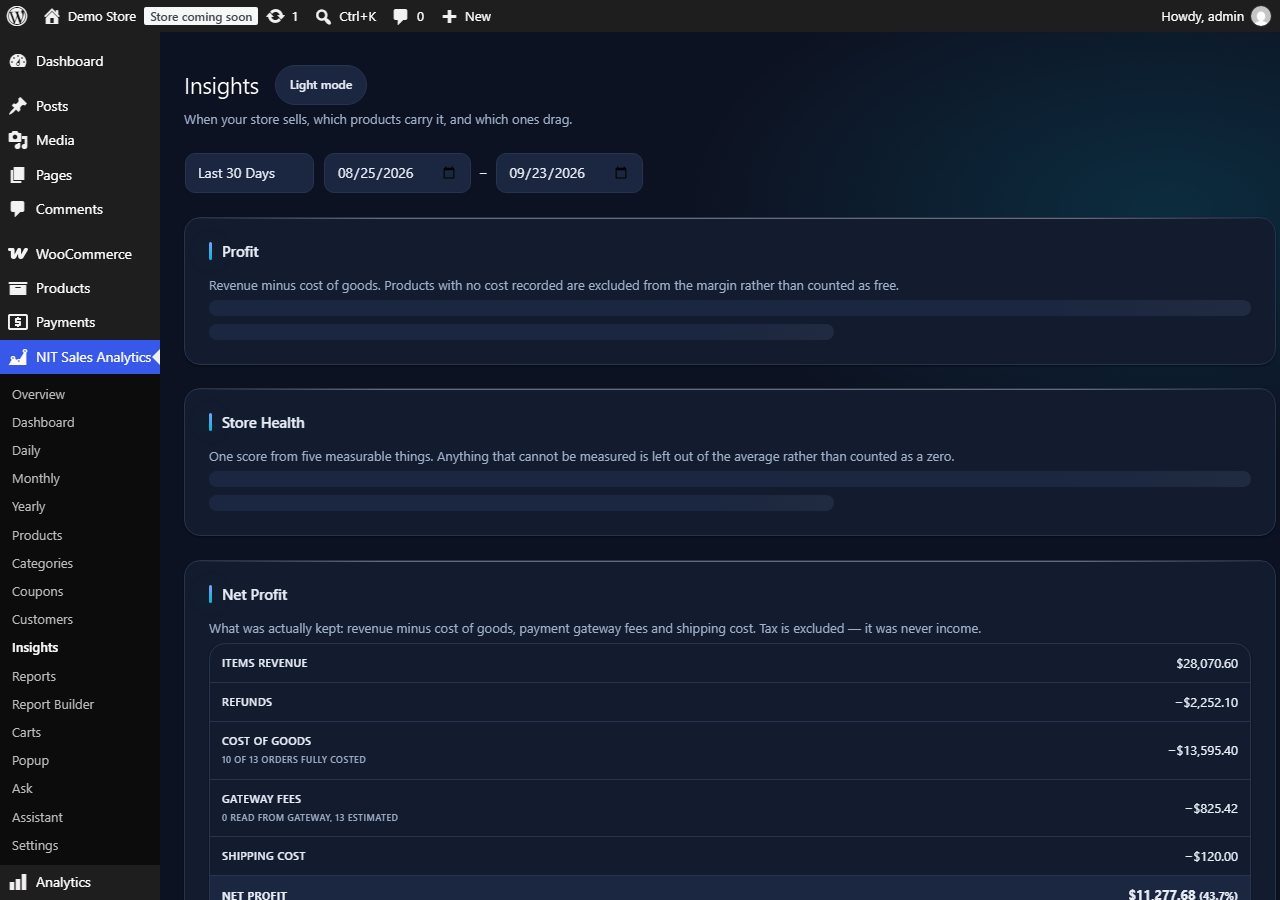
A waterfall from items revenue down through refunds, cost of goods, gateway fees and shipping — and it tells you how much of your revenue is actually costed, instead of quietly reporting a margin that covers only part of the catalogue.
Best and worst performers, low-margin products, the 80/20 split of your revenue, repeat-customer rate, cohorts and lifetime value, what gets bought together, sell-through velocity, never-sold stock and a data-quality check.
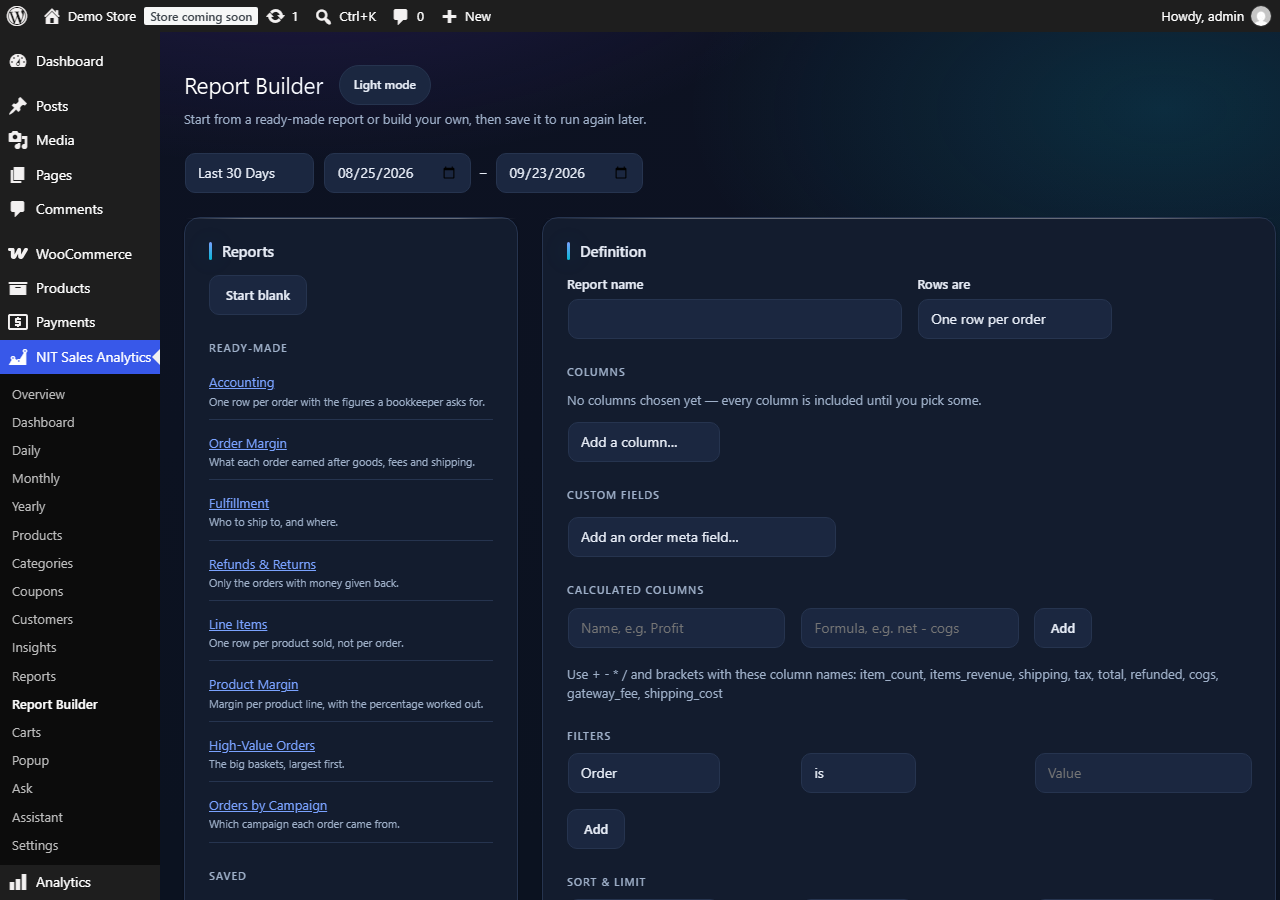
Pick columns, filters, sorting and a row grouping, then save it. Write a formula like net - cogs for a calculated column. Eight ready-made templates, plus a secret feed address you can pull straight into Google Sheets.
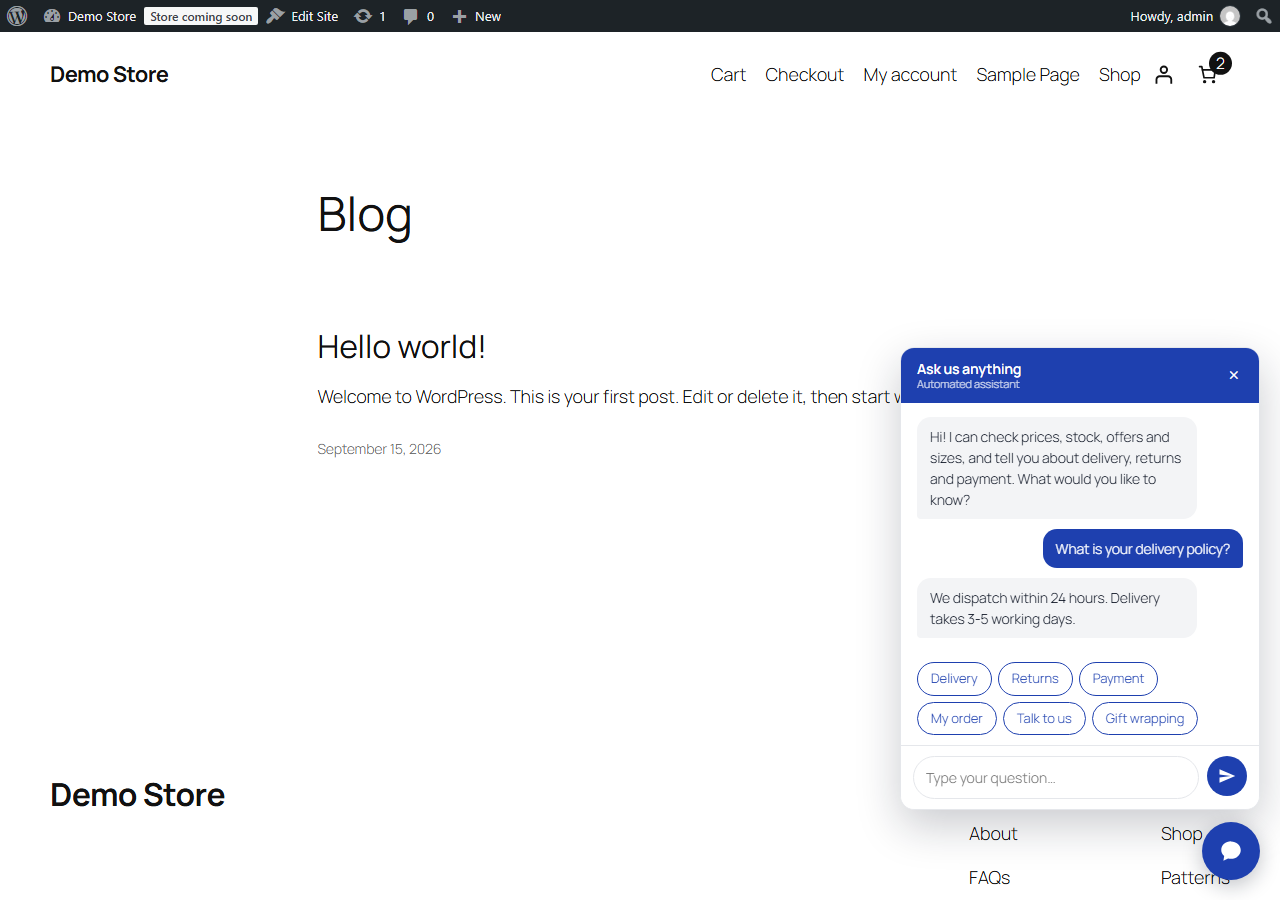
A chat box that answers price, stock, offers, sizes, delivery, returns, payment and order-status questions from your own products and policies. No AI service behind it, and it never invents a policy you have not written.
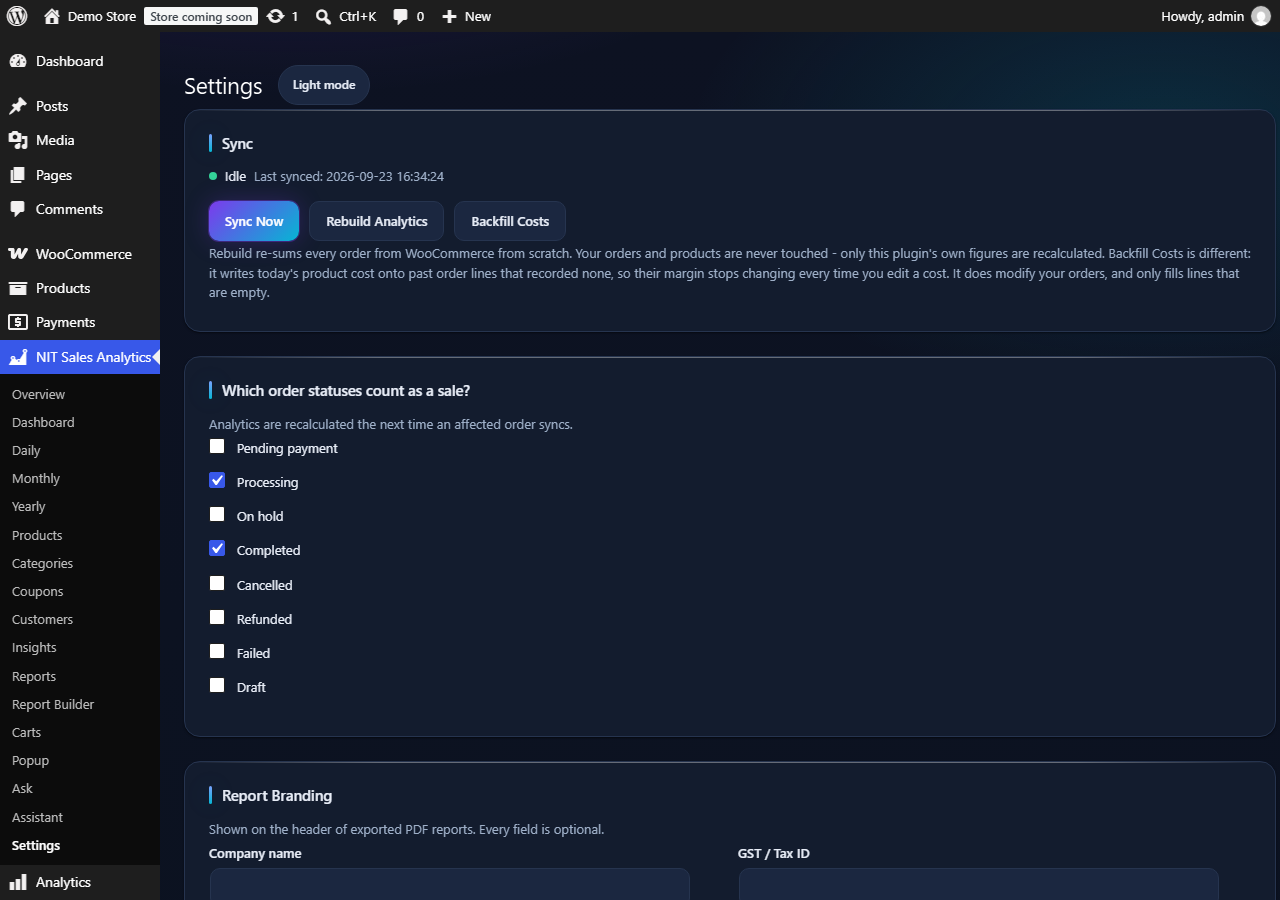
Set a cost per product, or use WooCommerce’s own COGS fields. A backfill tool writes today’s cost onto past order lines that recorded none, so a margin stops moving every time you edit a price.
The plugin makes no outbound requests at all. Your orders, customers and revenue are never sent anywhere, and there is no service to sign up for — which is not something most analytics plugins can say.
02 — A look inside
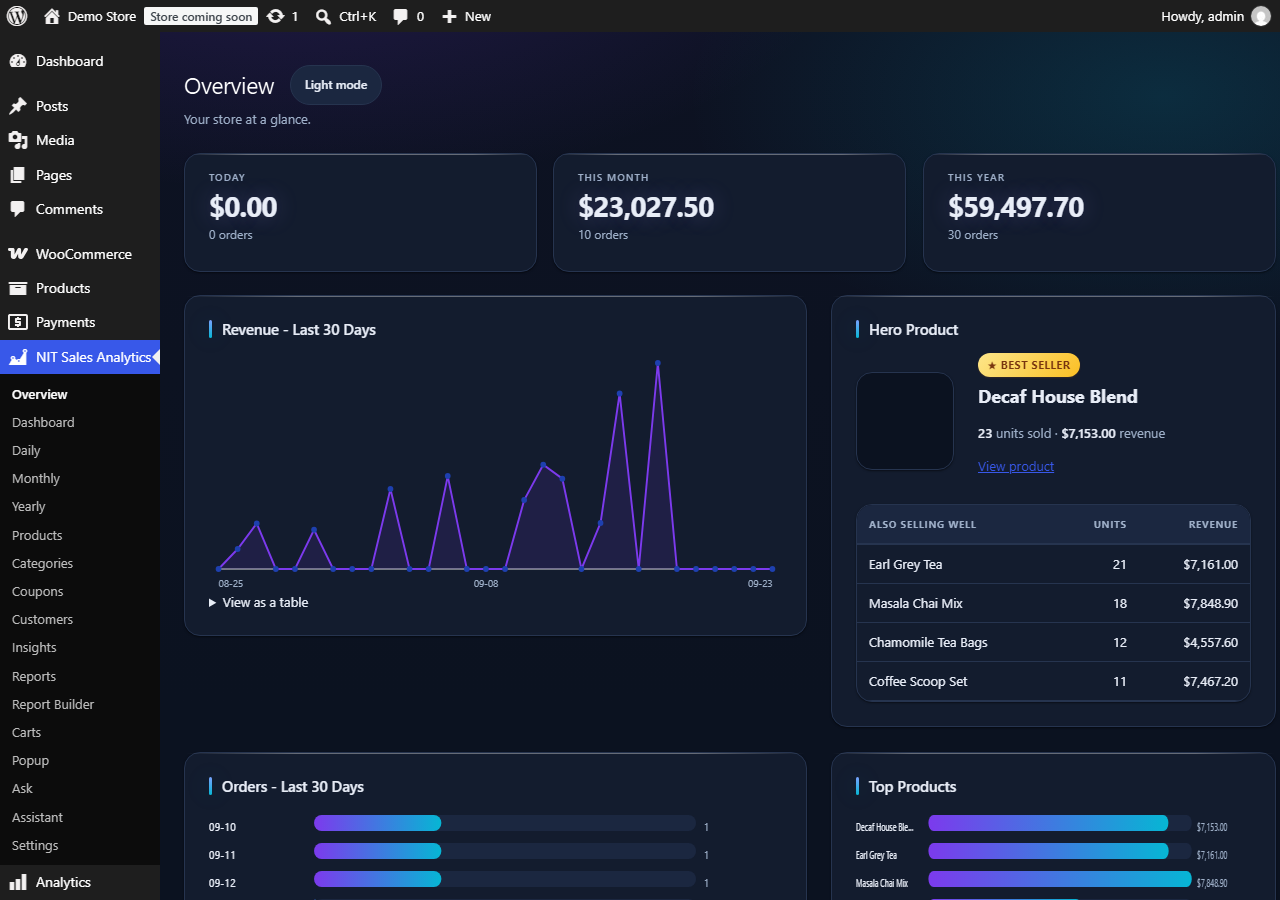
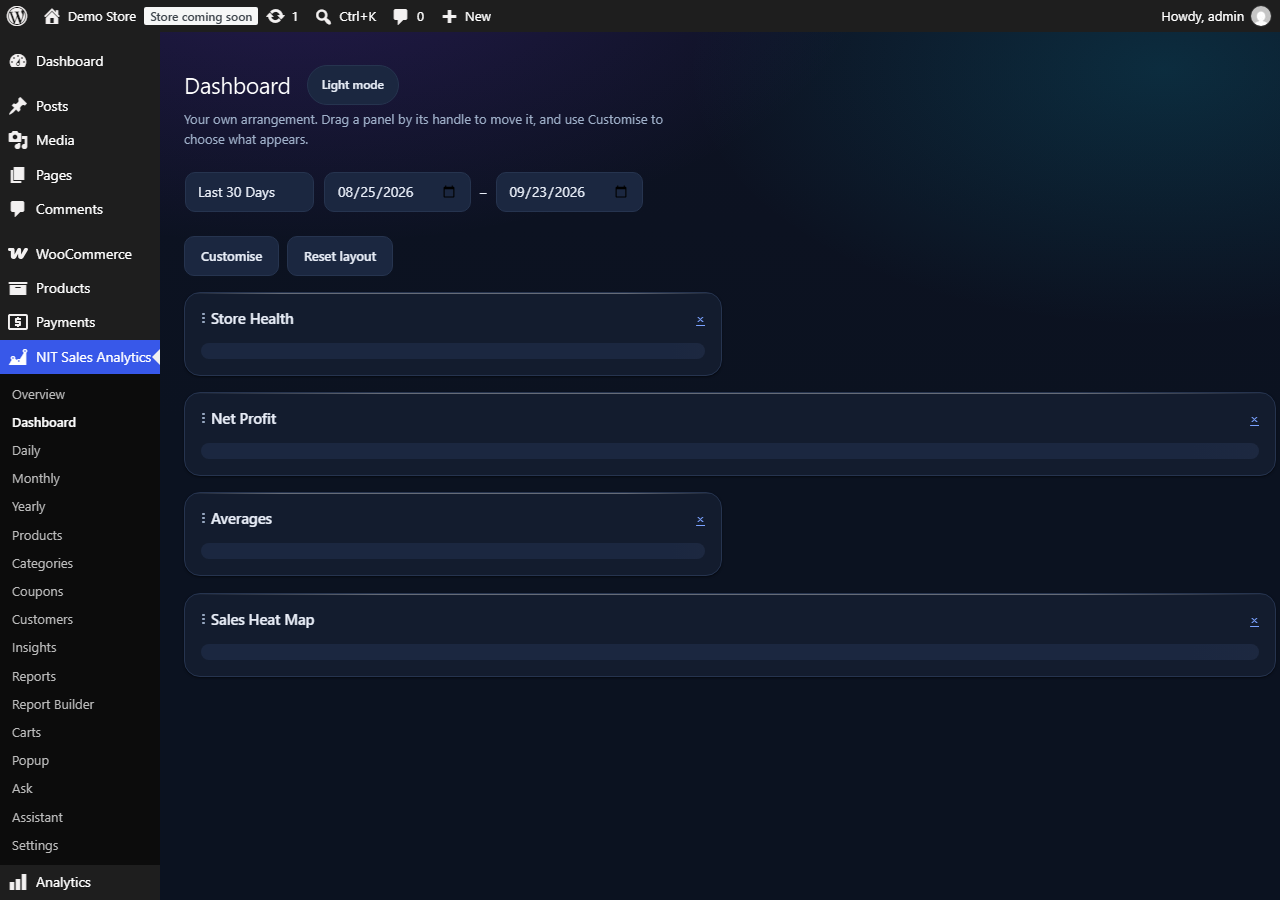
The interface sits against wp-admin’s own near-black sidebar, so it reads as one application rather than a grey slab bolted on.
03 — Under the hood
An analytics plugin is only worth having if you believe what it tells you. This one is deliberately honest about what it does not know.
04 — Get it
Install it from your own dashboard, or download it from the plugin directory. No account, no API key, nothing sent anywhere.
Or search NIT Sales Analytics under Plugins → Add New in your own site.
Email me about new features and the Pro version. No spam.